Anthropic’s Cowork Brings AI Agent Power to Everyday Workers — No Terminal Required
Anthropic’s Cowork Brings AI Agent Power to Everyday Workers — No Terminal Required
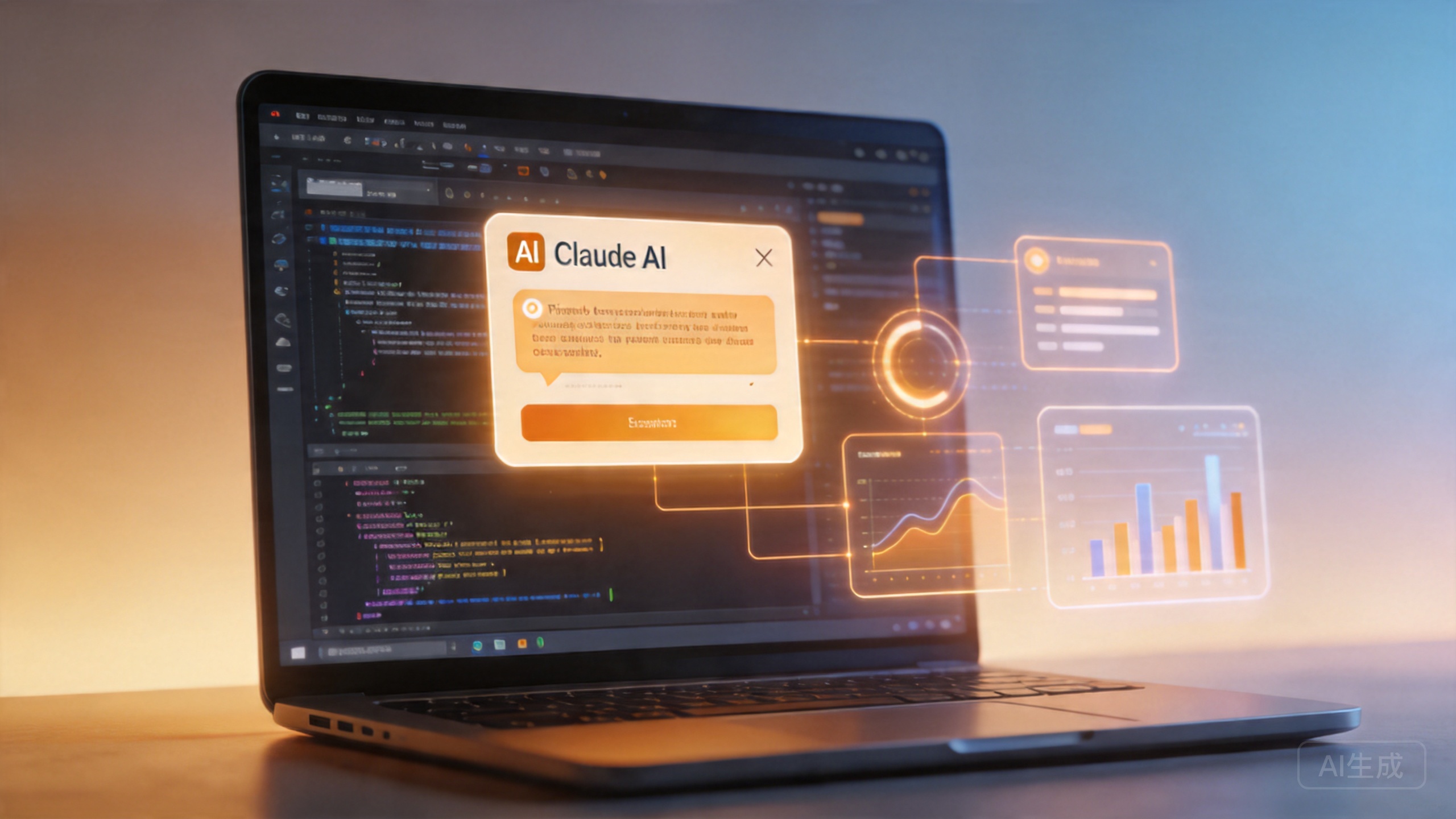
Anthropic just pulled off something that might matter more to the average office worker than any AI launch this year. The company behind Claude has released Cowork, a new desktop agent mode that takes the file-handling superpowers of Claude Code and wraps them in an interface that requires zero coding knowledge. If you can type a sentence, you can use it.
This isn’t another chatbot that tells you how to do something. Cowork actually does it — opening your files, reorganizing folders, crunching spreadsheet data, and pulling together research from multiple documents, all without you manually switching between apps.
What Exactly Is Claude Cowork?
Cowork lives inside the Claude desktop application, sitting right alongside the existing Chat and Code modes. When you switch into Cowork mode, you’re telling Claude: “Don’t just talk to me — go do the work.”
The feature grew out of an unexpected pattern Anthropic noticed. After launching Claude Code — their terminal-based AI coding assistant — the company found that non-developers had started using it for filesystem tasks. People were organizing their downloads folders, compiling research documents, and drafting reports through a tool that was designed for software engineers.
“Many non-developers started using Claude Code to organize files, compile research and draft documents. Cowork packages those abilities in a desktop interface that doesn’t require a terminal or coding knowledge.” — Anthropic
Cowork formalizes that behavior. Instead of typing commands into a terminal, you describe what you want in plain English and grant access to the relevant folders or application connectors. Claude then plans the work, shows you the plan, and executes it after you approve.
What Claude Cowork Can Actually Do
Based on hands-on testing, here’s what the agent handles effectively:
- File organization — Take a chaotic downloads folder with hundreds of scattered files and sort them into a logical folder structure by type, date, or project
- Spreadsheet analysis — Open an Excel or CSV file, identify patterns, calculate summaries, and produce written takeaways
- Report generation — Pull raw data from multiple sources and format it into a polished document
- Research compilation — Read through a collection of documents, synthesize the key points, and produce a structured summary
- Cross-app workflows — Move between local files, web browsing, and connected applications to complete multi-step tasks
The key difference from traditional AI chat is autonomy. In a normal chat, you’d ask Claude “how do I organize my downloads folder?” and it would give you instructions. With Cowork, you say “organize my downloads folder” and it actually does it — after showing you the plan and getting your approval.
How It Works: The Approval Layer
One of the most important design choices in Cowork is the approval system. Before taking any action, Claude generates a step-by-step plan that shows exactly what it intends to do. You can approve the entire plan, edit individual steps, or cancel it entirely.
This is a critical guardrail. An AI agent that can read, write, and reorganize your files without oversight would be a security nightmare. Anthropic built the approval layer directly into the workflow so nothing happens without the user signing off first.
The planning step also serves an educational purpose. By seeing how Claude breaks down a task, users learn what the agent is capable of and can refine their requests over time. It’s transparency built into the product rather than bolted on as an afterthought.
Why This Matters for the AI Industry
Cowork represents a significant shift in how AI companies think about their products. For the past two years, the dominant model has been the chat interface — you type a question, the AI answers. It works well for knowledge retrieval and basic writing tasks, but it falls short when the work involves multiple files, applications, and steps.
Claude Cowork moves beyond the chat window into the actual environment where knowledge work happens: local files, folders, and the applications people use every day. The agent synthesizes information across multiple sources and completes tasks without requiring the user to coordinate each step manually.
The Competitive Landscape
Anthropic isn’t the only company pushing into this space, but Cowork gives them a distinct advantage:
- Google’s Gemini Workspace — Google has been integrating AI into its Workspace apps (Docs, Sheets, Gmail), but those tools are largely confined to Google’s own ecosystem
- Microsoft Copilot — Deeply integrated into Office 365 and Windows, but requires a Microsoft-centric workflow
- Standalone AI startups — Dozens of companies are building task-specific AI tools, but none offer the broad, general-purpose agent approach that Cowork attempts
Cowork’s bet is that the winning AI product won’t be one that locks you into a single ecosystem — it’ll be one that works across your existing tools and files, wherever they live.
Privacy and Security Considerations
Giving an AI agent access to your local files understandably raises privacy questions. Anthropic has addressed this through several mechanisms:
- Granular permissions — You grant access to specific folders or connectors, not your entire system
- Plan-before-action — Every task requires user approval before execution
- Local-first processing — Cowork runs on the desktop where your files already live, rather than uploading everything to the cloud
- Reputable track record — Claude has been rated among the most privacy-conscious AI assistants in independent evaluations
That said, any tool that can read and write files on your machine carries inherent risk. Users should be thoughtful about which folders they grant access to and should review the agent’s plans carefully before approving.
Who Should Use Claude Cowork?
Cowork is designed for knowledge workers who spend their days juggling documents, spreadsheets, and research materials. If your job involves:
- Organizing and categorizing large collections of files
- Analyzing data in spreadsheets and presenting findings
- Researching topics across multiple sources
- Creating reports or summaries from raw materials
- Automating repetitive document workflows
Then Cowork is worth trying. The learning curve is essentially zero — if you can describe a task in words, you can use it.
On the flip side, if you’re a developer looking for deep coding assistance, Claude Code remains the better option. Cowork is optimized for general knowledge work, not software development.
The Bigger Picture: Agents Are Coming for Everyone
Cowork is part of a broader industry shift toward AI agents — systems that don’t just answer questions but take actions on your behalf. OpenAI’s Operator, Google’s Project Mariner, and dozens of startup agents all point in the same direction.
What makes Cowork notable is that Anthropic built it on top of capabilities that already existed in Claude Code. Instead of starting from scratch, they observed how people were actually using their product and built a purpose-built interface around that behavior. It’s a textbook example of product-market fit emerging from user behavior rather than top-down vision.
The question isn’t whether AI agents will become part of everyday work — they already are. The question is which approach will win: locked-in ecosystems like Microsoft and Google, or platform-agnostic agents like Cowork that work across your existing tools.
How to Get Started with Claude Cowork
If you want to try Cowork, here’s what you need to do:
- Download the Claude desktop app — Available for macOS and Windows from claude.com
- Switch to Cowork mode — It sits alongside Chat and Code in the desktop app
- Describe your task — Tell Claude what you want done in plain English
- Grant permissions — Give access to the specific folders or connectors needed
- Review and approve the plan — Claude will show you exactly what it plans to do
- Watch it work — The agent executes the task and reports back when done
Anthropic is positioning Cowork as an extension of its broader mission: building AI systems that are genuinely useful, transparent, and aligned with human intentions. Whether it delivers on that promise will depend on real-world adoption, but the early signs are encouraging.
Final Take
Claude Cowork might not have the flash of a new model release or the technical drama of a benchmark race. But it could be the most important thing Anthropic has shipped for everyday users. By taking agentic AI out of the terminal and putting it where knowledge workers actually live, Anthropic has opened a door that every other AI company will now have to walk through.
The era of AI that just talks to you is ending. The era of AI that works alongside you has begun.
📖 Related: Anthropic Launches Cowork: Claude’s AI Agent Steps Off the Terminal and Onto Your Desktop
📖 Related: Anthropic’s Claude Cowork: The AI Agent That Does Your Paperwork While You Step Away
📖 Related: Anthropic Releases New Claude Opus Model Amid Mythos Preview Buzz