Anthropic Launches Cowork: A Claude Desktop Agent That Works Directly in Your Files — No Coding Required
Anthropic Launches Cowork: A Claude Desktop Agent That Works Directly in Your Files — No Coding Required
The landscape of artificial intelligence productivity tools has shifted dramatically once again. Anthropic, the AI safety-focused company behind the Claude language models, has officially launched Cowork — a groundbreaking Claude Desktop agent that can work directly inside your files, applications, and workflows without requiring a single line of code. This release represents one of the most significant steps toward truly autonomous AI assistants that operate at the level of a human colleague rather than a chatbot.
For years, AI-powered assistants have been confined to the boundaries of a text box. You type a prompt, you get a response. But Cowork shatters that paradigm entirely. It can read your documents, edit your spreadsheets, navigate your file system, and interact with desktop applications — all through natural language instructions. The implications for knowledge workers, developers, and businesses are profound.
What Exactly Is Cowork?
Cowork is Anthropic’s evolution of the “Computer Use” capability that was first introduced in beta in late 2024. While the original Computer Use feature allowed Claude to interact with a screen through mouse and keyboard simulation, Cowork takes this concept much further by embedding it directly into a persistent desktop application that operates as a semi-autonomous agent on your machine.
The key differentiator is simplicity: no coding required. Previous agentic AI tools required developers to build complex tool-calling pipelines, set up API integrations, and write orchestration logic. Cowork eliminates all of that overhead. You simply describe what you want done in plain English, and the agent figures out how to accomplish it across your local applications and files.
“We’ve built an AI that doesn’t just answer questions — it does the work. Cowork is the first Claude that can roll up its sleeves and actually collaborate with you on real tasks inside your own environment.” — Anthropic Product Launch Statement
Core Features That Set Cowork Apart
Autonomous Desktop Control
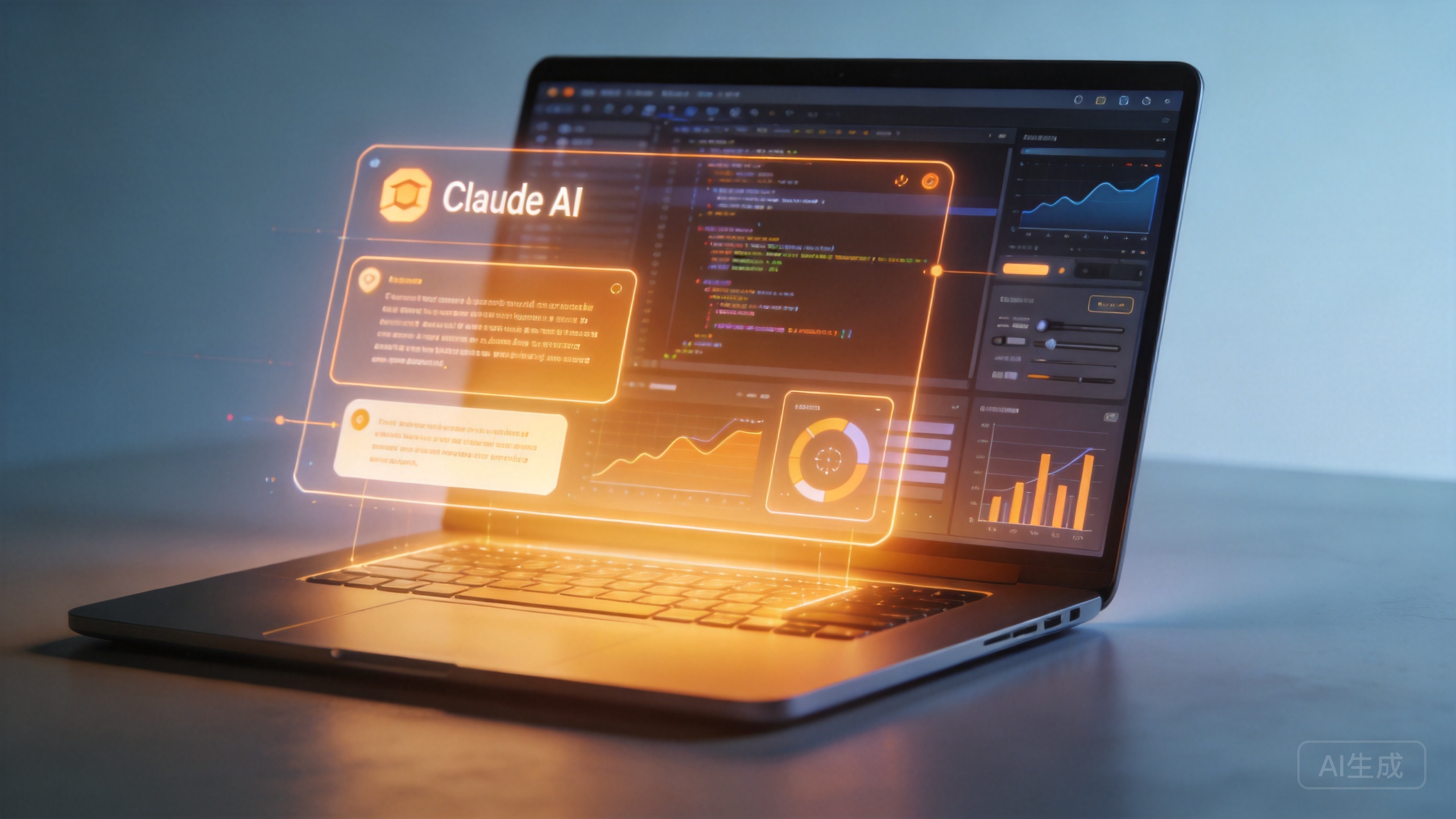
Cowork can perceive your screen, move your mouse, type on your keyboard, and interact with virtually any desktop application. Whether you need to fill out a complex form in your company’s internal portal, reorganize a messy spreadsheet, or extract data from a PDF and transfer it into a database, Cowork handles it end-to-end. The agent watches the screen in real-time, making decisions about what to click, what to type, and when to move to the next step — just as a human assistant would.
Cross-Application Workflow Orchestration
One of the most powerful aspects of Cowork is its ability to seamlessly jump between applications. Imagine asking it to: “Take the sales data from this Excel file, create charts in Google Sheets, draft a summary email in Outlook, and save everything to our shared Dropbox folder.” A human would spend 30 minutes on this task. Cowork can execute the entire workflow in a fraction of the time, switching between applications fluidly without losing context.
Self-Correction and Error Recovery
Perhaps the most critical feature is Cowork’s built-in feedback loop. Unlike earlier AI tools that would blunder through mistakes blindly, Cowork can read terminal outputs, check its work against the original instructions, detect errors mid-task, and correct course automatically. If it clicks the wrong button or encounters an unexpected dialog box, it adapts and retries — significantly improving reliability for complex, multi-step operations.
Secure Local Execution Sandbox
Anthropic has not ignored the security implications of giving an AI agent access to your desktop. Cowork runs inside a containerized sandbox environment on your machine, with strict user-permission gates for sensitive actions. Any operation that involves modifying files, accessing network resources, or interacting with external services requires explicit user approval. This design balances autonomy with safety — a hallmark of Anthropic’s approach to AI development.
Pricing and Availability
Cowork is available through two primary channels, reflecting Anthropic’s strategy of serving both individual power users and enterprise developers:
- Consumer Tier: Cowork is fully integrated into the Claude Max subscription tier, priced at $200 per month. This gives individual users high-volume access to the desktop agent mode with priority processing and extended context windows for complex multi-app tasks.
- Developer/API Tier: For teams building custom integrations, Cowork’s capabilities are available via the Anthropic API under the standard compute-based pricing model. The agent is powered by Claude 3.5 Sonnet and Claude 3.7 Opus models, billed per image token (for screen reading) and text token (for reasoning and output). This makes it scalable for enterprise automation pipelines where predictable per-task costing matters.
The $200/month price point positions Cowork as a premium product — but when you consider that it effectively replaces the need for a dedicated administrative assistant for many routine digital tasks, the ROI calculation becomes compelling for professionals and small businesses.
How Cowork Compares to the Competition
The AI desktop agent space is heating up rapidly, and Cowork enters a field that already includes several notable players:
OpenAI’s Operator launched earlier this year with similar computer-use capabilities, but Cowork differentiates itself through Anthropic’s reputation for safety-first design and the seamless integration into an existing desktop application rather than a browser-based interface. Cowork’s ability to work with local files — not just web applications — gives it a significant edge for enterprise users who handle sensitive data that never leaves their machines.
Microsoft’s Copilot offers deep integration with the Microsoft 365 ecosystem, but it remains largely confined to Microsoft’s own applications. Cowork, by contrast, is application-agnostic — it can work with any software that runs on your desktop, from legacy internal tools to the latest SaaS applications.
Open-source alternatives like Open Interpreter and various Computer Use implementations exist, but they typically require technical expertise to set up and maintain. Cowork’s zero-coding requirement makes it accessible to a vastly broader audience.
Real-World Use Cases
Early adopters and beta testers have already identified several high-value use cases where Cowork delivers immediate returns:
- Data entry and migration: Automating the transfer of information between legacy systems and modern platforms — a task that has historically consumed thousands of hours in enterprise IT departments.
- Report generation: Pulling data from multiple sources (spreadsheets, databases, web portals), formatting it, and generating professional reports with charts and commentary.
- Quality assurance testing: Running through application workflows, checking for visual regressions, and documenting bugs — particularly useful for teams without dedicated QA engineers.
- Content management: Updating website content, managing CMS entries, formatting blog posts, and organizing media libraries without manual copy-paste operations.
- Research and compilation: Gathering information from multiple browser tabs and documents, synthesizing it into structured summaries, and organizing reference materials.
Security Concerns and Anthropic’s Response
Despite the excitement, Cowork has not escaped scrutiny from security researchers and enterprise IT managers. The primary concerns center on three areas:
Data leakage risks: An AI agent with access to your file system and applications could potentially expose sensitive information if compromised. Anthropic addresses this through local-only processing — Cowork’s screen readings and file operations happen on your machine, and data is not transmitted to external servers beyond what’s necessary for the Claude model to process instructions.
Prompt injection attacks: Malicious websites or documents could theoretically contain hidden instructions designed to manipulate Cowork into performing unintended actions. Anthropic has implemented content filtering and anomaly detection to identify and block suspicious instruction patterns, and the permission-gate system provides an additional human-in-the-loop safeguard.
Local network exposure: An AI agent that can navigate your desktop could potentially access network drives and internal systems. Cowork’s sandbox architecture restricts network access to explicitly authorized connections, and IT administrators can configure policy rules for enterprise deployments.
The Bigger Picture: What Cowork Means for the Future of Work
Cowork is not just a product launch — it’s a signal of where the entire AI industry is heading. The transition from conversational AI to agentic AI represents a fundamental shift in how we think about human-computer interaction. When AI can not only answer your questions but also do the work, the definition of productivity changes entirely.
Analysts at Gartner have predicted that by 2027, over 30% of enterprise knowledge workers will regularly use AI agents to complete multi-step tasks — up from less than 5% today. Cowork positions Anthropic as a frontrunner in this emerging category, leveraging its strengths in safety, reasoning quality, and contextual understanding.
For individual users, the promise is liberation from repetitive digital drudgery. For businesses, it’s the opportunity to redirect human talent toward creative and strategic work while AI handles the operational overhead. And for the technology industry, it’s proof that the next frontier of AI is not about building smarter chatbots — it’s about building AI that can actually work alongside us.
Getting Started with Cowork
If you’re ready to try Cowork, here’s what you need to know:
- Cowork is available as part of the Claude Desktop application, which can be downloaded from Anthropic’s official website for macOS and Windows.
- A Claude Max subscription ($200/month) is required for full desktop agent access.
- The initial setup involves granting Cowork the necessary permissions to access your screen and applications — a one-time process that takes approximately five minutes.
- Enterprise API access is available through Anthropic’s developer portal, with custom pricing for high-volume deployments.
Anthropic has also published comprehensive documentation and a set of best-practice guides for getting the most out of Cowork’s agentic capabilities, including prompt engineering tips for multi-step task delegation and security configuration recommendations for enterprise environments.
Final Thoughts
Anthropic’s Cowork represents a meaningful leap forward in making AI truly useful for everyday work. By removing the coding barrier and embedding agentic capabilities directly into a desktop environment, Anthropic has created a tool that feels less like software and more like a capable colleague sitting at the next desk.
The $200/month price tag will certainly give some pause, and legitimate security concerns remain — particularly for enterprise deployments. But for professionals who spend significant time on repetitive digital tasks, Cowork offers a compelling value proposition: reclaim hours of your workweek by letting AI handle the busywork.
As the agentic AI space continues to evolve, one thing is clear: the future belongs to AI systems that don’t just talk about doing things — they actually do them. With Cowork, Anthropic has staked its claim in that future.
Have you tried Cowork or other AI desktop agents? Share your experience in the comments below, and don’t forget to subscribe for more coverage of the latest developments in AI productivity tools.
📖 Related: OpenAI says its new GPT-5.5 model is more efficient and better at coding
📖 Related: OpenAI Now Lets Teams Build Custom AI Bots That Work Autonomously
📖 Related: Anthropic Just Launched Cowork — And It Might Be the AI Agent That Actually Works