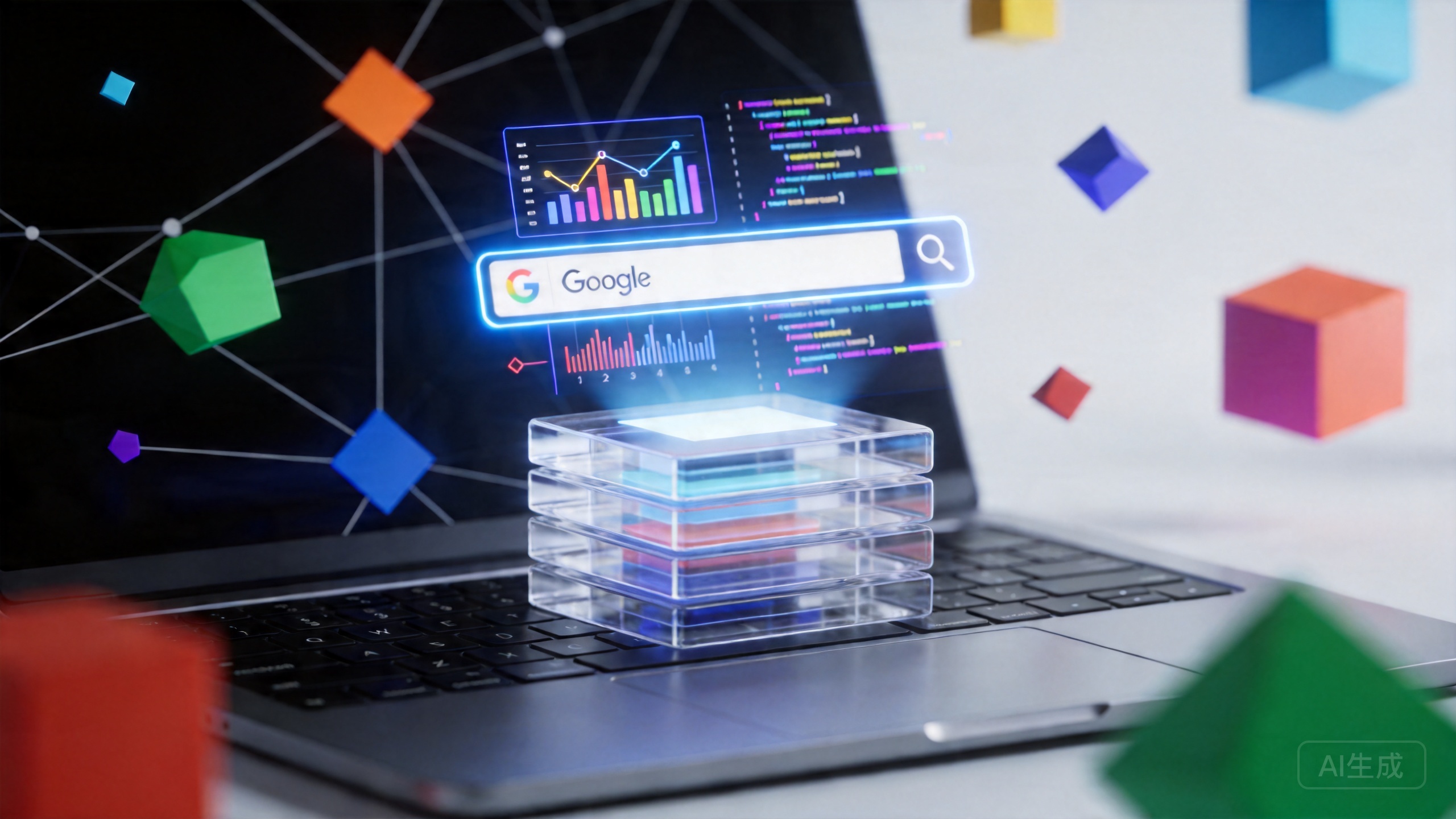
Google’s AI Mode Now Opens Links Side-by-Side Without Leaving the Page
For years, browsing the web has meant living in a state of constant tab whiplash. You start a search, click a result, lose your train of thought, navigate back, click another result, and repeat. Google believes it has found a way to break this cycle. On April 16, 2026, the company announced a major upgrade to AI Mode in Chrome that fundamentally changes how users interact with search results — by letting them open source links side-by-side with their AI conversation, without ever leaving the page.
The update, announced jointly by Robby Stein, VP of Product for Google Search, and Mike Torres, VP of Product for Chrome, represents one of the most significant redesigns of the browser search experience since the introduction of tabbed browsing itself. It signals a shift in how Google envisions the relationship between traditional search and AI-assisted discovery.
What Changed: Side-by-Side Browsing in AI Mode
Before this update, clicking on a source link within AI Mode would open that link in a new browser tab, effectively pulling the user out of the AI conversation context. The new behavior is dramatically different: clicking a source link now opens the webpage in a split-panel view alongside the AI Mode interface. The AI chat remains active and accessible on one side while the full webpage renders on the other.
This design choice has profound implications for how people research, shop, and learn online. Consider the coffee maker example Google used in its announcement: a user describes their requirements — compact size, latte capability — and AI Mode returns a curated list of options. Previously, clicking on a retailer link meant losing the AI context entirely. Now, the user can examine the product page while simultaneously asking the AI follow-up questions like “How easy is this to clean?” or “What do reviewers say about durability?” The AI draws context from both the open page and the broader web to provide informed answers.
Google’s early testing revealed strong user preference for this approach. According to the official blog post, testers consistently reported that eliminating constant tab-switching helped them “stay focused on their tasks while exploring useful web pages.” This finding aligns with broader research in human-computer interaction that suggests context switching imposes significant cognitive costs — estimated at up to 23 minutes to fully refocus after an interruption, according to a well-known UC Irvine study.
Search Across Open Tabs: A New Context Layer
Alongside the split-screen feature, Google introduced a capability that may prove even more transformative: the ability to search across Chrome tabs you already have open. On both desktop and mobile, users can tap a new “plus” menu in the search box — available on the New Tab page and within AI Mode itself — to select recent tabs and incorporate them into their search queries.
This feature removes the friction of re-uploading or re-pasting context that users have already gathered. Instead of copying text from a PDF, pasting it into a search box, then repeating for each relevant document, users can simply select multiple open tabs, images, and files and feed them all into a single AI Mode search. The system then uses this combined context to generate tailored responses and suggest additional resources.
Google illustrated this with two practical scenarios. A user researching local hiking trails could add their existing trail-guide tabs to a search and ask for similar kid-friendly options in a different region. A student preparing for a statistics midterm could pull in class notes, lecture slides, and academic papers already open in Chrome, then ask the AI for additional examples to clarify a difficult concept.
The ability to mix different content types — tabs, images, and PDFs — within a single query is notable. It suggests that Google is building toward a unified research interface where the browser itself becomes a knowledge workspace, rather than merely a window into individual web pages.
Why This Matters for the Search Industry
Google’s move should be understood within the broader competitive landscape of AI-enhanced search. Microsoft has been integrating Copilot deeply into Edge, and Perplexity AI has built its entire product around conversational search with source attribution. By embedding these capabilities directly into Chrome — which holds approximately 65% of the global desktop browser market share according to StatCounter — Google is leveraging its distribution advantage to make AI-assisted search the default experience for billions of users.
The side-by-side design is particularly significant because it addresses one of the core criticisms of AI search: the tendency to replace human reading and exploration with AI summarization. By keeping the source content visible and accessible, Google’s approach encourages users to engage with original publishers rather than relying solely on AI-generated summaries. This matters enormously for publishers, content creators, and the broader information ecosystem.
“Our early testers loved that they didn’t have to constantly switch tabs to get help with a comprehensive article or a long video. And they found that having both Search and the web side-by-side helped them stay focused on their tasks while exploring useful web pages.”
— Google Official Blog, April 16, 2026
The update also preserves and extends access to existing AI Mode tools like Canvas — Google’s collaborative writing and coding workspace — and image generation features. These tools are now accessible from the new plus menu wherever it appears in Chrome, making them more discoverable and easier to invoke during research sessions.
The Technical Underpinnings
Behind the scenes, this update relies on several technological capabilities. The split-screen rendering requires Chrome to manage two active contexts simultaneously — the AI conversation state and the live webpage DOM — while maintaining performance. The cross-tab context feature requires the browser to index and understand the content of open tabs well enough to incorporate them meaningfully into AI search queries. Both of these represent non-trivial engineering challenges, particularly at Chrome’s scale of over 3 billion active users.
The AI Mode itself, which launched in January 2026, is powered by Google’s Gemini models and has been steadily expanding its capabilities. Earlier this year, Google added the ability for AI Mode to access users’ Gmail and Photos data to provide personalized responses. The April update builds on this foundation by improving the interaction model rather than just the underlying intelligence.
Practical Implications: Who Benefits Most
Several groups stand to gain significantly from this update:
- Online shoppers can compare products across retailers while maintaining AI-assisted guidance, reducing the research-to-purchase friction that currently drives cart abandonment.
- Students and researchers can build context from multiple sources without losing their analytical thread, potentially improving the quality and depth of their work.
- Content consumers dealing with long-form articles, technical documentation, or complex videos can get real-time explanations without breaking their reading flow.
- Publishers benefit from the fact that their full pages remain visible and interactive, preserving the ad revenue and engagement metrics that pure AI summaries would eliminate.
Availability and What’s Next
As of April 16, 2026, all of these updates are available to Chrome users in the United States. Google has stated that it plans to expand availability to additional regions in the near future, though no specific timeline has been announced. The features are accessible through the standard AI Mode interface at g.ai or via the Chrome New Tab page.
Looking ahead, it is reasonable to expect Google to continue refining this interaction model. The combination of split-screen browsing, cross-tab context, and AI-powered assistance suggests a trajectory toward a browser that functions less as a document viewer and more as an active research partner. The question is no longer whether AI will change how we browse — it is how deeply and how quickly the change will unfold.
How to Start Using It Today
If you are in the U.S. and running the latest version of Chrome, the update is already available. Here is how to get started:
- Open Chrome and navigate to the New Tab page or visit g.ai to access AI Mode.
- Enter a search query as you normally would.
- When source links appear in the AI response, click any link to open it side-by-side with the AI conversation.
- Use the plus menu in the search box to select open tabs, images, or files and add them to your search context.
- Ask follow-up questions that draw on the content of the open page — the AI will use both page context and web-wide knowledge to respond.
Google’s latest Chrome update is not just a feature release — it is a statement about the future of web browsing. By making AI and traditional web content coexist in the same visual space, Google is betting that the best search experience is not one that replaces the web, but one that helps you navigate it more intelligently. Whether this vision becomes the industry standard or merely Chrome’s differentiator, one thing is clear: the era of endless tab-hopping may finally be coming to an end.
📖 Related: Anthropic’s Mythos: The Cybersecurity Model That Could Restore Its Government Standing
📖 Related: Anthropic’s New Cybersecurity Model Could Get It Back in the Government’s Good Graces
📖 Related: OpenAI’s Codex Just Got a Massive Upgrade — And Claude Code Should Be Worried